
Table of Contents
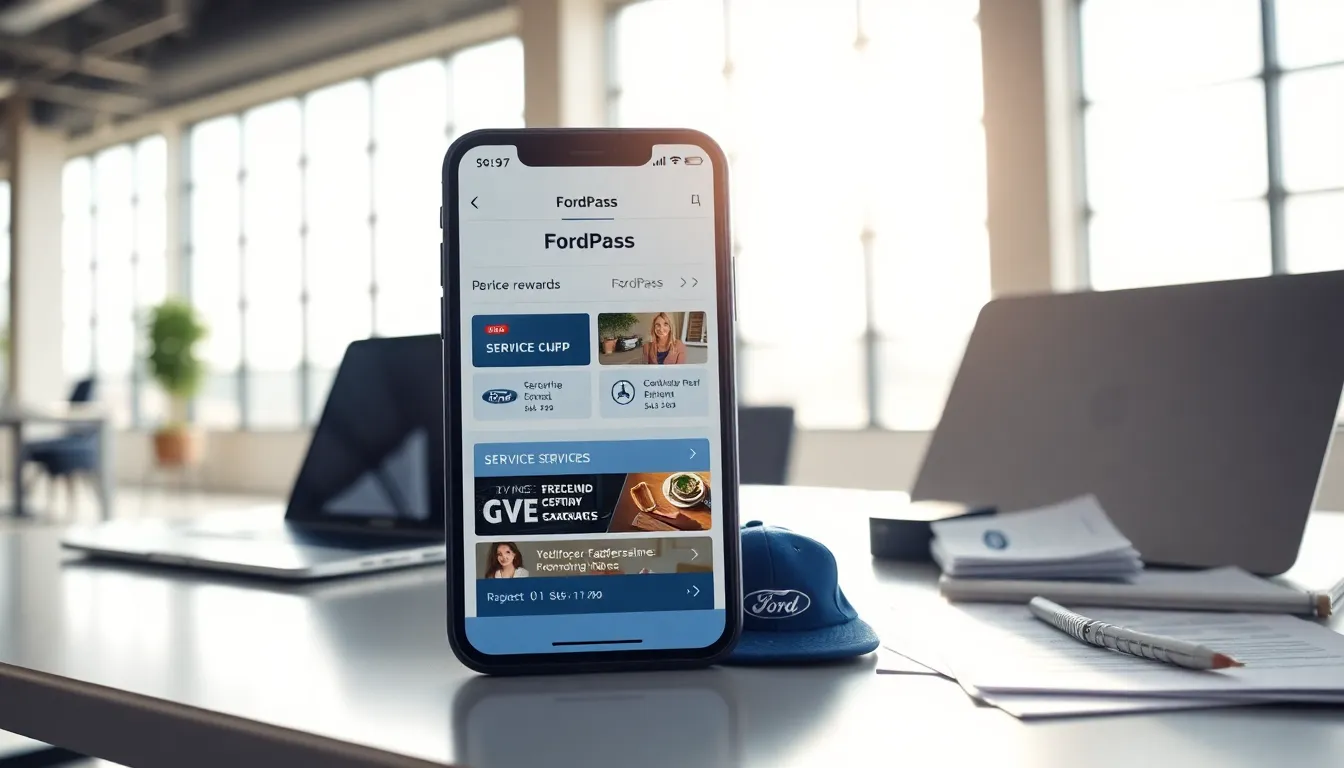
ToggleFordPass points offer car owners a great way to save on maintenance, services, and more. By understanding how to earn and redeem these points, users can maximize their benefits. This guide explains everything about redeeming FordPass points in a simple, clear manner.
Key Takeaways
- To redeem FordPass points, begin by opening the FordPass app and navigating to the rewards tab.
- Points are earned through activities like vehicle maintenance at authorized dealers and purchasing Ford accessories.
- Rewards vary, including service discounts, free maintenance checks, and exclusive Ford events.
- Regularly check the app for special offers and seasonal promotions to maximize your FordPass points redemption.
- If you’re having issues redeeming points, ensure your vehicle is linked correctly and the reward is available.
Key Takeaways
- FordPass Points can be earned through vehicle purchases, service appointments, and using the FordPass app.
- To redeem FordPass Points, you must be a registered member with an active vehicle linked to your account.
- Rewards for FordPass Points include discounts on services, merchandise, and subscriptions, all accessible via the FordPass app.
- Always check that your contact information is current to stay informed about promotions and point bonuses.
- If points are missing or redemption fails, ensure your account is active and linked to a vehicle, and consult Ford customer support if issues persist.
Understanding FordPass Points
FordPass points are rewards earned through the FordPass app. Users accumulate points by performing various actions such as vehicle service, purchasing Ford accessories, and engaging in Ford events. These points can be redeemed for rewards. Knowing how the system works helps users manage their points effectively.
Eligibility For Earning Points
To earn FordPass points, a user must have a registered Ford vehicle and a FordPass account. Participants must also link their vehicle to their account within the app. Eligible activities for earning points include maintaining the vehicle at authorized dealers, financing a purchase through Ford Credit, and attending Ford events. Users should always review the latest terms to ensure they qualify.
Steps To Redeem FordPass Points
To redeem points, follow these steps:
- Open the FordPass App: Ensure the app is installed on your device and logged into your account.
- Navigate to Rewards: Click on the rewards tab on the main screen.
- View Available Offers: Browse the list of rewards you can redeem. This list will display how many points each reward costs.
- Select Your Reward: Choose a reward that interests you, such as service discounts, accessories, or Ford merchandise.
- Confirm Redemption: Follow the prompts to confirm your selection and complete the process.
Types Of Rewards Available
Users can redeem points for several rewards. Common options include service discounts, free maintenance checks, and discounts on Ford accessories. Also, some users may access exclusive events or offers through the app. Always check back for new rewards, as Ford frequently updates these options.
Tips For Maximizing Points Redemption
To make the most of FordPass points, consider these strategies:
- Regularly Check the App: Frequent use of the app ensures users don’t miss special offers or time-sensitive rewards.
- Participate in Events: Many events offer bonus points for attendance. This can significantly boost points earnings.
- Maintain the Vehicle Consistently: Regular service at authorized dealers increases points accumulation.
- Engage with Promotions: Be alert for seasonal promotions that offer extra points for certain services or purchases.
Common Issues & Solutions
Users may encounter issues when redeeming FordPass points. Here are some solutions to common problems:
- Points Not Showing Up: Ensure that the account is linked correctly to the vehicle. Sometimes, it may take a few days for points earned to display.
- Unable to Redeem Points: Check if the selected reward is within the available options. Some rewards may require additional purchases.
- App Crashes: If the app crashes or doesn’t load, try restarting the device or reinstalling the app to resolve technical issues.